doc / docx / txt / pdf / md, up to 20MB and 100,000 characters. Parsing runs in four passes: whole-plot understanding, episode segmentation, episode summaries, then cast and scene identification — and it decides on its own whether this is a drama or a commentary cut.
02
Assets
Lead and costume-change looks, scenes and props — generated, pulled from the library, or uploaded. Intelligent voice design keeps each character sounding like themselves from shot to shot.
03
Storyboard
Broken down by episode and scene, generated one at a time or in batches. Prompts reference cast, scenes, props, voices and lines by @; shots run in all-purpose reference or start-end frame mode; up to four takes per shot.
04
Video
Star the take you want; the prompt behind it stays readable. Upscale to 720P, 1080P, 2K or 4K in one click, trim and extend, then export every shot or a CapCut draft.
Manual mode skips the script entirely: configure, storyboard, generate, all by hand. Every checkpoint in agent mode is editable too — the agent is where you start, not where you are stuck.
Capabilities
One line, the whole series.
From parsing the script to handing over a CapCut draft, every stage has its tool — and every stage can be taken over by hand.
Script & episodes
Whole-plot understanding
Automatic episode splitting
Episode summaries
Cast and scene identification
Drama or commentary, decided for you
Outline and character bios
Episode plot stays editable
Manual mode needs no script
Cast & assets
Lead looks extracted automatically
Costume changes generated per look
Scenes extracted and extendable
Props identified and configured
Generate, pick from library, or upload
Intelligent voice design
Platform voice library
Upload your own voice
Storyboard & generation
Shots broken out by episode and scene
@ reference for cast, scenes, props, voices, lines
Multi-select asset reference
Prompts saved as you type
Up to four takes a shot
All-purpose reference, up to 50 files
Start-and-end-frame mode
Swap models or generate a whole episode at once
Cut & delivery
Star the take; its prompt stays readable
Upscale to 720P, 1080P, 2K or 4K
Trim, and lift a frame back out as reference
Extend a shot forwards or backwards
Add, copy, delete and reorder shots
Insert or remove episodes
Export every selected shot
Export a CapCut draft
Two things that stand out
Not just generation — control, and reuse.
Remake · existing series, new language
Upload a finished series, swap the cast and scenes for the target region, and get a new language cut. Original and remake sit side by side for comparison, with an explicit mapping between the old cast and the new. Up to three minutes an episode.
Whole series uploaded and parsed by episode
Explicit cast replacement mapping
Original and remake compared side by side
3D director’s desk · shot-level control
Enter per shot while boarding: block the staging, the framing and the camera move before you spend a generation on it. Less rolling the dice, more deciding the shot and then shooting it.
Staging, framing and camera blocked in advance
Four takes generated in parallel
Upscale the one you pick
Specs
The case for scale is in the numbers.
100k chars
Per script, one pass
A whole series parsed at once, split into episodes automatically.
13 + custom
Built-in styles
Two realistic, six 2D anime, five 3D/CG — including guofeng, xianxia and KR webtoon.
5 ratios
Aspect ratios
16:9 · 9:16 · 4:3 · 3:4 · 21:9 — 480P–1080P.
50 files
Mixed reference per shot
Seedance 2.5: up to 30 images, 10 audio clips / 30s, 10 video clips / 30s.
4 per shot
Takes per shot
Generated in parallel, starred by eye, each with its prompt intact.
4K
One-click upscale
Generate low, deliver high — the cheap way to ship in HD.
Styles
Locked at kickoff, held across the series.
Thirteen built-in styles plus custom. The style is chosen at kickoff and every shot in the series is held to it.
Realistic · General
Realistic · Cinematic
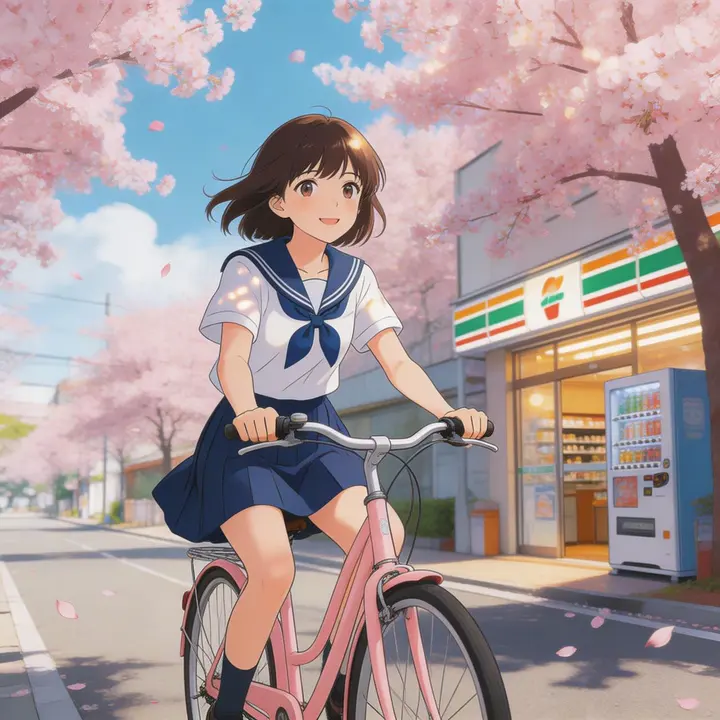
2D · Anime JP
2D · Anime KR
2D · CN Gongbi
3D · CN Guofeng
3D · Xianxia
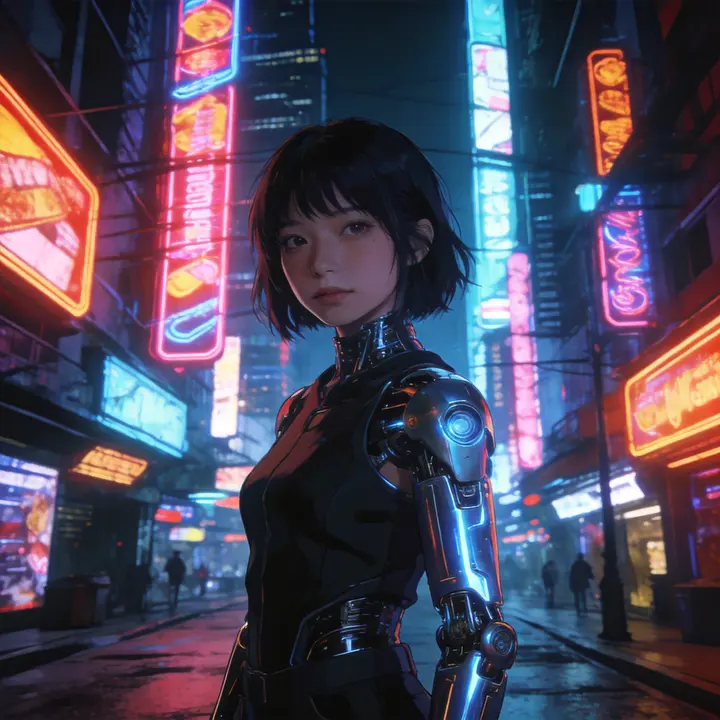
CG · Cyberpunk
Also KR urban, otome and CN anime in 2D, plus 3D anime, CG and custom styles.
Frames generated by Dispike Drama
Hand the script to the line.
One script in: parsed, cast, boarded, shot. Manual mode takes over at any checkpoint you want it to.